

Can checking your emails only twice a day really make a difference in your productivity? The idea of achieving inbox calm is becoming popular. It helps reduce overwhelm and boosts efficiency.
Using a two-window system for email management can help. It teaches you to handle the constant flow of messages better. This way, you can avoid distractions and work more calmly.
This method makes handling messages more organized and peaceful. It could lead to a more productive day at work.
Key Takeaways
- Implementing a two-window system can reduce email overwhelm.
- Checking emails only twice a day can increase productivity.
- A calm inbox promotes a more relaxed work environment.
- This approach helps in minimizing distractions.
- A structured email management system leads to efficiency.
The Email Overwhelm Crisis
Email overwhelm is a big problem today. It hurts our work and our minds. Too many emails make us stressed and less efficient.
The Hidden Cost of Constant Email Checking
Checking emails all the time has a hidden cost. Every time we switch tasks or check emails, our brain pays a context switching penalty. This penalty makes us less productive and more tired. Studies show that checking emails too often lowers productivity and raises stress.
Why Traditional Email Management Fails
Old ways of managing email don’t work well. They don’t solve the real problems of email overwhelm. Two big reasons they fail are context switching penalties and the illusion of multitasking.
Context Switching Penalties
Context switching happens when we switch between tasks, like going from work to checking emails. Each switch costs our brain, making us less efficient and more tired.
The Illusion of Multitasking
Multitasking seems like it boosts productivity, but it’s not real. Humans can’t do many things at once well. Instead, we quickly switch tasks, paying a penalty each time.
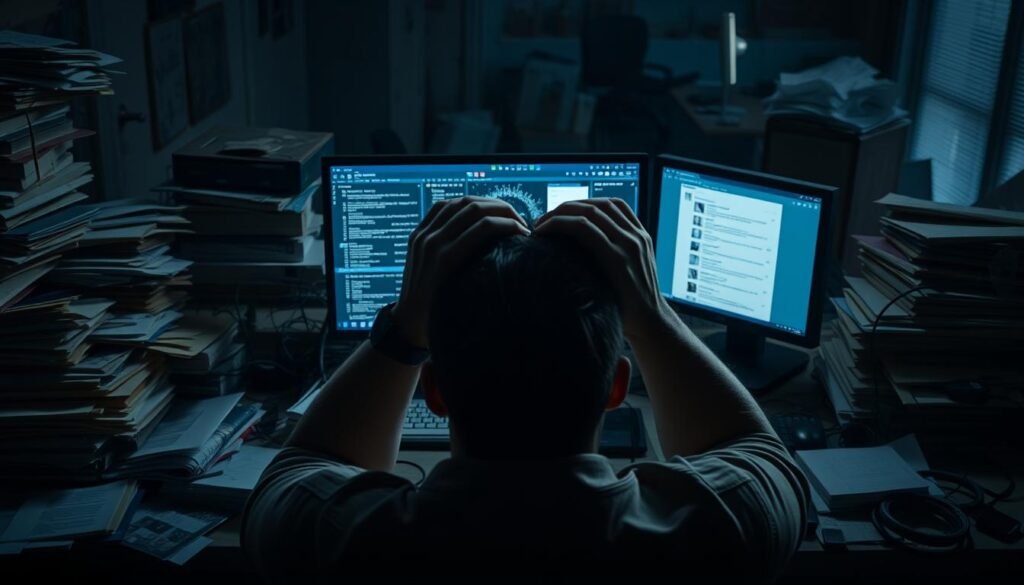

It’s key to understand these challenges to find better ways to manage email. By seeing the downsides of old email management, we can start using better methods like email batching. This means checking emails in batches at set times.
Understanding the Two-Window Email Management Method
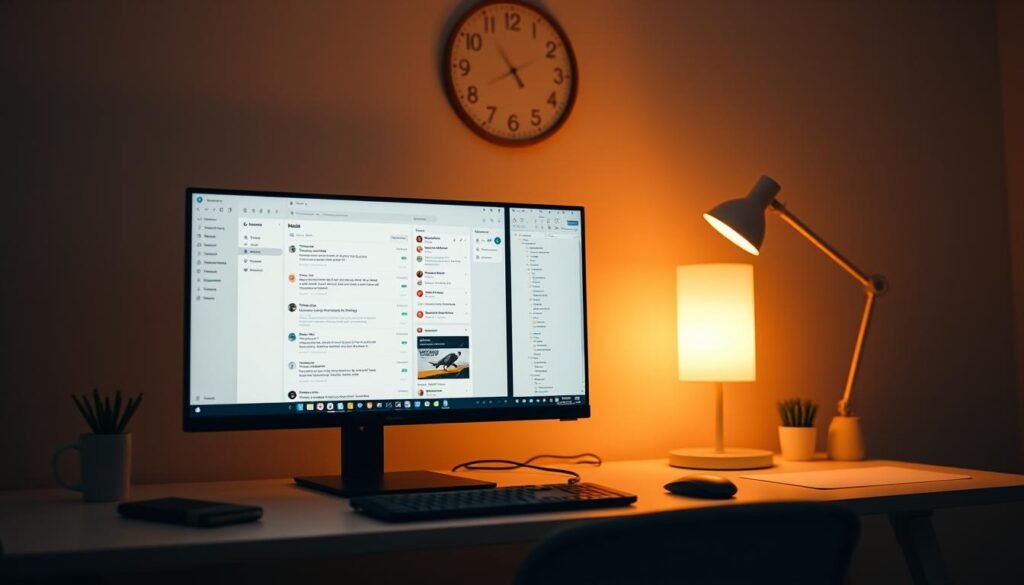
The two-window email management method is a top choice for keeping your inbox calm. It divides your day into two times for email management. This cuts down on email stress and constant checking.
What Are Email Windows?
Email windows are set times for checking and managing emails. They help you stay focused and productive. It’s all about finding a schedule that fits your life.
The Science Behind Batched Processing
Batched processing means doing similar tasks together. For emails, it means checking and answering them in focused blocks. Studies show it boosts productivity and lowers stress.
Why Two Windows Is the Sweet Spot
Two windows for email management is just right. It lets you stay on top of emails without getting distracted. This way, you can do both urgent tasks and deep work.
Morning Triage Benefits
The morning is perfect for sorting through emails. You can quickly see what’s urgent and plan your day. This helps you tackle important tasks right away.
Afternoon Completion Advantages
The afternoon is for tackling emails that need more time. You’ve already done your main work, so you can focus on these emails.
Using the two-window method can improve your work-life balance and reduce email stress. It’s not just about emails; it’s about taking back your time and being more productive.
Preparing Your Inbox for the Two-Window System
Before starting the two-window email system, get your inbox ready. This step is key to making the most of the two-window method.
Conducting an Email Audit
Start by doing a detailed email audit. Look at your emails to find ways to improve.
Identifying Email Patterns
Look at your email habits. Find out who you get emails from often, what they’re about, and what tasks you do. This helps you see how you use your email and where you can do better.
Recognizing Time-Wasters
While checking your emails, spot the ones that waste your time. This includes spam, newsletters, and ads. Think about how these emails affect your work and find ways to handle them better.
Setting Up Folders and Labels
Organizing your inbox with folders and labels is key. Make clear categories based on your email habits and what’s important to you. This makes it easy to find emails and keeps your inbox tidy.
Creating Essential Filters
Filters are a big help in managing your email. By making filters, you can sort, prioritize, and organize your emails automatically. This saves you time and keeps your inbox neat.
As an email expert says, “Filters can cut down the time you spend on emails, letting you focus on important tasks.” –
Daniel Miessler, Email Productivity Expert
By taking these steps, you’ll be ready to use the two-window system. You’ll manage your emails more efficiently and effectively.
Effective Email Management: Setting Up Your Two-Window Framework
To keep your inbox calm, setting up a two-window framework is key. It helps you manage emails well, letting you focus and communicate better.
Choosing the Optimal Times for Your Windows
Choosing the best times for your email windows is important. Think about when you’re most energetic, your work hours, and when emails usually come in. Many find mornings good for sorting emails and afternoons for deep work.
Setting Time Limits for Each Window
Setting clear time limits for each window is essential. Say, 30 minutes in the morning and 60 minutes in the afternoon. Sticking to these times helps avoid getting overwhelmed by emails.
Communicating Your Schedule to Colleagues
Telling your colleagues about your email schedule is important. You can do this in a few ways:
- Email Signature Notifications: Add a note to your email signature about when you check emails.
- Auto-Responders for Off-Window Times: Use an auto-responder to let senders know when you’ll reply.
Email Signature Notifications
Adding a simple statement to your email signature helps. For example, “I check emails at 9:00 AM and 2:00 PM daily,” sets clear expectations.
Auto-Responders for Off-Window Times
Setting up an auto-responder for when you’re not checking emails is helpful. It lets senders know when to expect a reply. It’s also good for urgent emails, suggesting other ways to contact you if needed.
Using these strategies, you can make an effective email management system. It boosts productivity and cuts down stress.
The Morning Window: Triage and Planning
The morning window is key in managing emails. It’s when you sort through your emails quickly. You decide which ones need your attention first and plan how to respond.
The 4D Method: Delete, Delegate, Defer, Do
The 4D method is a great way to handle emails in the morning. It helps you sort emails into four groups:
- Delete: Get rid of emails you don’t need.
- Delegate: Pass on tasks to others when you can.
- Defer: Put off emails that aren’t urgent.
- Do: Handle emails that are both urgent and important.
Prioritizing Responses
It’s important to focus on urgent emails in the morning. Use flags or stars to mark important messages.
Setting Action Items for the Day
As you sort through emails, pick out tasks that need to be done. Turn these into action items for the day.
Moving Tasks to Your Task Manager
Move tasks from your emails to your task manager. This keeps your inbox clear for urgent emails.
Keeping Action Items Out of Your Inbox
Keep your inbox for emails you need to act on. Move action items to your task manager to stay organized.
The Afternoon Window: Deep Work and Completion
As we move into the afternoon, we focus on deep work and completion. This time is key for solving complex problems that need more time and focus. Good email management here boosts our productivity.
Addressing Complex Emails
The afternoon is perfect for dealing with tough emails we put off in the morning. These emails need detailed answers or complex decisions. Setting aside time for them ensures they get the focus they need without hurting our productivity.
Completing Deferred Tasks
We tackle tasks we couldn’t finish in the morning now. It’s important to give them enough time. This keeps our work flow steady and makes sure we don’t miss out on important tasks.
Clearing to Zero (When Possible)
Having an empty inbox feels good, even if it’s just for a bit. It shows we’ve caught up on emails and tasks. But, it’s hard to do with lots of emails.
The Psychology of an Empty Inbox
An empty inbox lowers stress and boosts focus. It means we’ve dealt with all emails and tasks. As one expert says, “An empty inbox is not just tidy; it’s a productivity tool.”
“An empty inbox is a sign of a well-managed workflow, allowing for greater focus on critical tasks.”
When to Archive vs. Delete
Choosing to archive or delete emails depends on their value. Archive emails that might be useful later. Delete emails that are not needed or are just junk. This keeps your inbox clean.
Managing the afternoon well boosts our productivity. It helps us tackle complex tasks efficiently. This method of email management saves time and reduces stress.
Advanced Email Management Techniques
There’s more to email management than just the two-window system. By using advanced techniques, you can make your email handling more efficient. This leads to less stress and more productivity.
Template Responses for Common Inquiries
Using template responses is a smart way to handle frequent emails. It saves time and keeps your messages consistent. Template responses are great for answers that don’t change much.
Keyboard Shortcuts for Speed
Keyboard shortcuts can make managing your email much faster. Learning these shortcuts lets you do more without using your mouse. This can cut down the time you spend on emails a lot.
Automation Rules That Save Time
Email automation rules are a big help in managing your inbox. They sort, forward, and delete emails for you. This saves time and keeps your inbox tidy.
Smart Filters for Auto-Sorting
Smart filters let you sort emails automatically. They’re perfect for newsletters and promotional emails. This keeps your inbox organized.
Rules for Newsletter Management
Setting up rules for newsletters keeps your inbox clean. Filters can sort or delete newsletters for you.
Using these advanced techniques can make your email management better. You’ll be more productive and have a cleaner inbox. Template responses, keyboard shortcuts, and automation rules are key to a good email system.
Dealing with Urgent Communications
Managing urgent emails is key to staying productive. Email is now the main way we talk at work. The two-window email method helps keep things organized. But, sometimes urgent emails need quick action.
When to Break the Window Rule
There are times when you must act fast on an urgent email. It’s important to know what makes an email urgent. Urgent emails usually have big problems that need fixing right away, like a client crisis or a sudden project change.
Alternative Communication Channels
For really urgent stuff, try phone calls or instant messages. These ways can get you a quicker response than email. They let you talk directly without waiting for an email reply.
Setting Expectations with Colleagues
To handle urgent emails well, set clear rules with your team and clients. Decide what’s urgent and how you like to deal with it.
Defining “Urgent” in Your Workplace
Make sure everyone knows what “urgent” means. This stops confusion and keeps everyone in sync. Share this clear definition with your team and clients.
Training Your Team on Communication Protocols
Teach your team about your communication rules. Show them when to use email and when to call or message for urgent things. This helps everyone work better together, respecting email rules but making room for urgent needs.
Maintaining Discipline Between Windows
Keeping discipline between email windows is key for success. It helps reduce email overwhelm and boosts productivity.
Killing Push Alerts and Notifications
Eliminating distractions is a first step. Disabling push alerts and notifications for email helps avoid checking emails too often.
- Turn off email notifications on your phone and computer.
- Set your email client to check for new emails less frequently.
- Consider using a separate email app that allows you to customize notification settings.
Overcoming the Email Checking Habit
Breaking the habit of constant email checking needs strategic planning and self-control. Find other activities to do instead of checking emails.
Focus Techniques During Non-Window Times
Use the Pomodoro Technique to stay focused. Work in 25-minute focused blocks, then take a 5-minute break.
Apps and Tools to Block Email Access
Apps like Freedom, SelfControl, and StayFocusd block distracting websites or email. They help stay on track.
With these strategies, you can keep the discipline needed for a two-window email system. This leads to a more productive and less stressful email experience.
Measuring Success in Your Email Management
It’s important to measure how well your email management system works. By looking at key metrics, you can see if it’s helping you stay productive. You can also find ways to make it better.
Key Metrics to Track
To check if your email system is working, focus on these key metrics:
Time Spent on Email
Keep an eye on how much time you spend on emails. This helps you see if it’s taking too much of your time. By spending less time on emails, you can do more important tasks.
Response Rate and Quality
It’s important to track how often you respond and the quality of your answers. This makes sure you’re not just quick, but also giving good answers. This is important for your colleagues and clients.
| Metric | Description | Target |
|---|---|---|
| Time Spent on Email | Daily time allocated to managing emails | < 1 hour |
| Response Rate | Percentage of emails responded to within a set timeframe | > 90% |
| Response Quality | Quality rating of responses based on clarity and effectiveness | > 4/5 |
Adjusting Your System
After tracking these metrics, use the data to make changes to your email system. You might need to adjust your email windows, change your response templates, or add new automation rules. This can help you work more efficiently.
Celebrating Small Wins
As you improve your email system, celebrate your small wins. It could be checking your emails less or answering better. Recognizing these achievements will keep you motivated to keep improving.
Conclusion: From Email Overload to Inbox Calm
Getting your inbox calm is possible with the two-window email system. This method helps cut down on email stress and boosts productivity. It’s all about keeping your inbox tidy and organized.
Having a clean inbox brings many perks, like less stress and better focus. It makes managing your inbox easier, helping you balance work and life. By using the two-window system, you can enjoy these benefits and work more efficiently.
In conclusion, the secret to a well-managed inbox is discipline and sticking to a routine. By following the two-window system, you can turn your inbox into a productivity tool. It’s achievable, and the advantages are huge.
FAQ
What is the two-window email management system?
How do I prepare my inbox for the two-window system?
What is the 4D method for email triage?
How do I handle urgent communications within the two-window system?
What are some advanced email management techniques?
How can I maintain discipline between email windows?
How do I measure the success of my email management?
What are the benefits of achieving inbox calm through the two-window email management system?
How can I effectively use email batching and triage?
What role do filters play in email management?
How can I keep action items out of my inbox?

